Element timing
In short: Add the elementtiming attribute to important images or text elements to collect their timing as custom metrics in RUMvision.
Limited availability
Element timing performance entries is not Baseline because it does not work in some of the most widely-used browsers.
- Only supported in Chrome 77 and Edge 79
- Continue reading about element timing
Register to RUMvision to see more resources and learn if your website visitors would already benefit from this feature today.
The
elementtimingattribute can also be used to coalesce your LCP, CLS and INP candidates. See our related help-desk section.
Element Timing allows you to measure specific elements on a page, independently from metrics such as LCP.
That is useful because the LCP candidate can vary between users. Different devices, viewport sizes, network conditions and user behaviour can all result in another element becoming the Largest Contentful Paint.
With Element Timing, you can choose an element yourself and consistently measure how that specific element performs across your real-user data.
For a technical introduction to the browser API itself, see the Mozilla documentation on PerformanceElementTiming.
What you can collect
RUMvision supports two types of timing based on Element Timing:
- Element Timing for the render time of an element;
- Element download time for the download timing associated with that element.
Both are collected as metrics and can be used in charts and performance analysis.
Element Timing
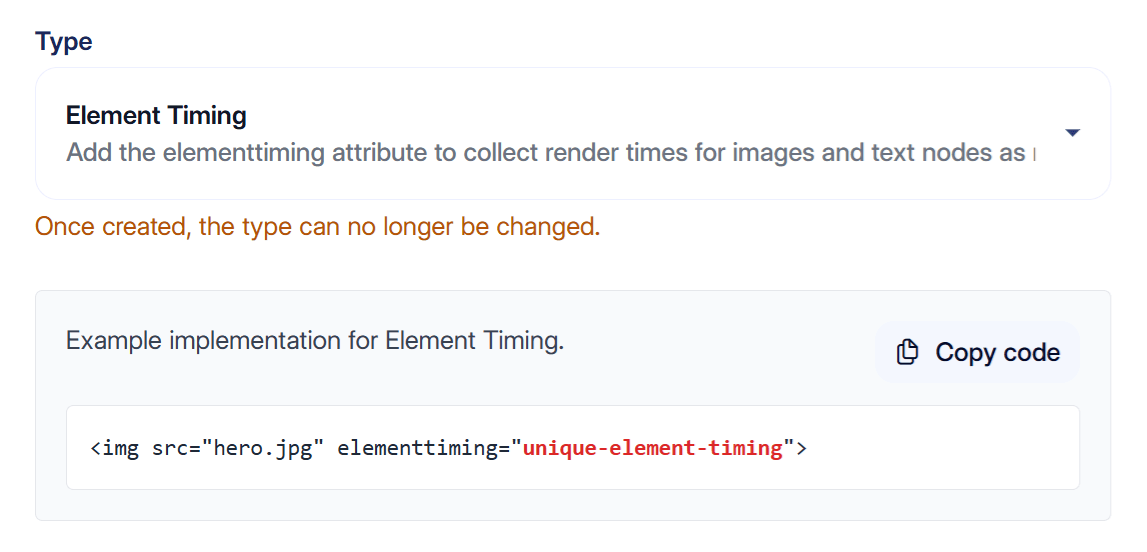
Element Timing measures when a selected element is rendered.
To make an element available to the Element Timing API, add the elementtiming attribute:
img src="/hero.jpg" elementtiming="hero-image"
You can then create an Element Timing custom timing in RUMvision using:
hero-image
RUMvision will collect the timing as a metric, allowing you to analyse how long it takes before that element is rendered for real users.
This is useful when you want a stable performance metric for an element that is important to the page, regardless of whether it becomes the LCP candidate.
Common examples include:
- a hero image;
- a product image;
- a logo;
- a page title;
- a prominent heading;
- a cookie notice or other important UI element.
Element download time
For elements with an associated resource, RUMvision can also collect the download timing from the Element Timing entry.
For example, the same image:
src="/hero.jpg" elementtiming="hero-image"
can be used to create an Element download time custom timing.
This metric focuses on the resource download rather than the moment the element was rendered.
That can help distinguish between two different types of delay:
- the resource itself took a long time to download;
- the resource was downloaded in time, but rendering happened later.
Both custom timing types use Element Timing data, but they represent different parts of the loading process. If you want to monitor both, create them separately in RUMvision.
Using both metrics together
Render time and download time can be especially useful when analysed together.
For example, suppose a hero image renders late. The download metric can help you determine whether the delay is already happening while fetching the image.
If the download finishes relatively early but the element still renders much later, the cause is more likely to be elsewhere in the rendering process.
This gives you more context than looking at a single render metric alone.
Example use cases
Element Timing is useful when a specific element matters to the user experience and you want to track it consistently.
For example:
- A hero image can be tracked independently from LCP, so you always have a stable metric for that specific image.
- A company logo can be measured when its visibility is important from a branding perspective.
- On a product page, you can track when the product title becomes visible, even when the product image renders later.
- A cookie notice or consent interface can be measured separately and compared with the main page content.
- Important promotional or campaign content can be tracked even when it is not selected as an LCP candidate.
This makes Element Timing especially useful for measuring important page elements that standard Web Vitals do not consistently represent.
